Carry
Start a coding agent on your own machine and pick up the same conversation from your phone or desktop. Send prompts, read replies and tool output, and decide what the agent is allowed to run.
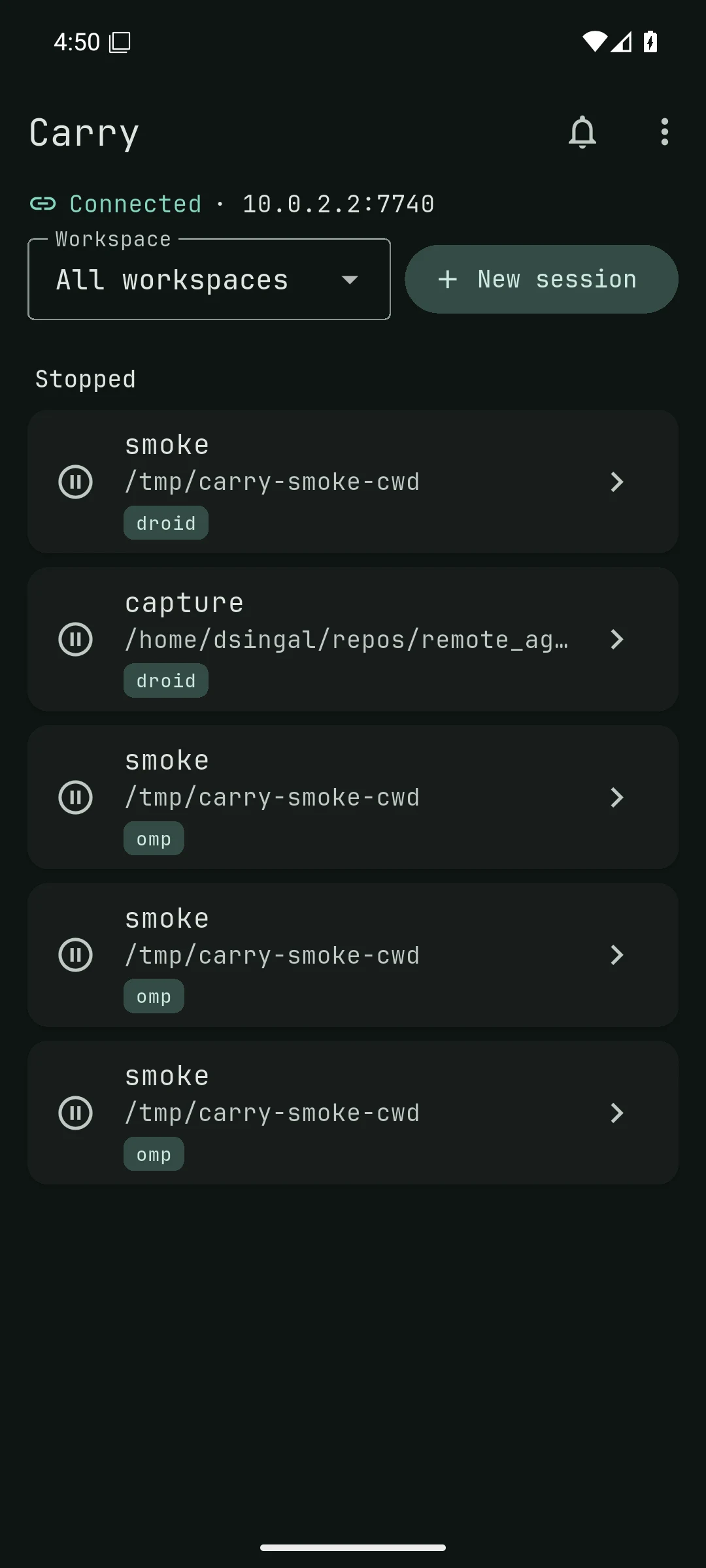
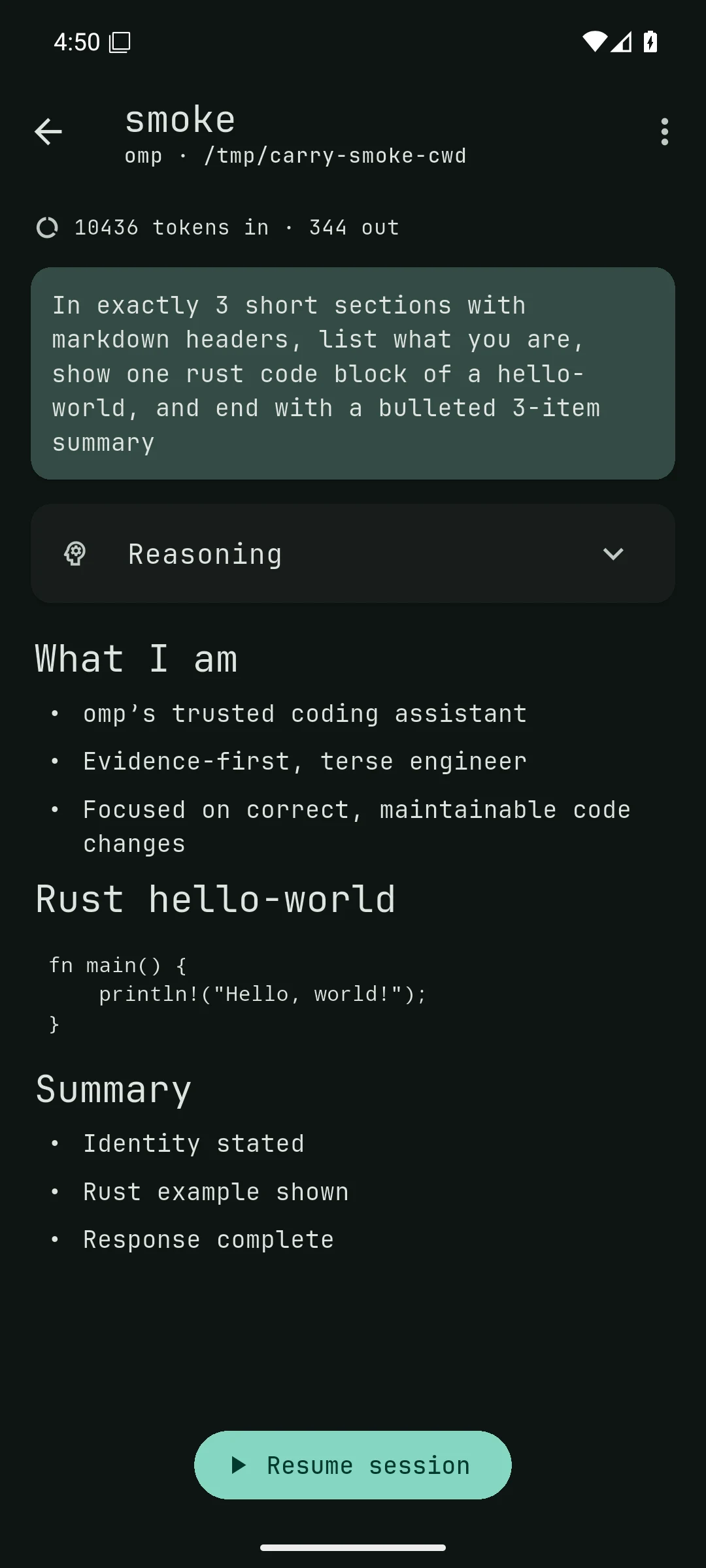
Carry works with OMP and Factory Droid already installed on the host. The daemon runs them and keeps the transcript; the apps show structured chat, not a remote terminal.
Android
Desktop
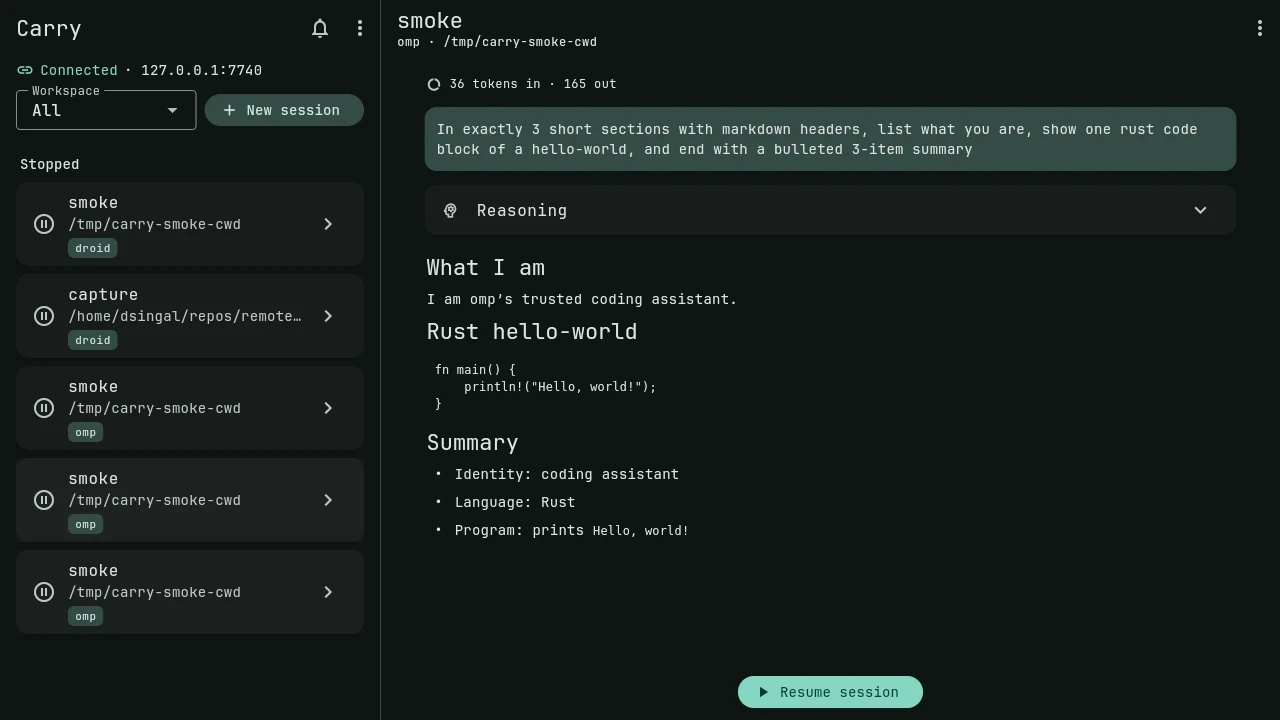
The Flutter client uses a two-pane layout on wide screens. The screenshot is from Linux; the same app has a macOS build target.
CLI client and server
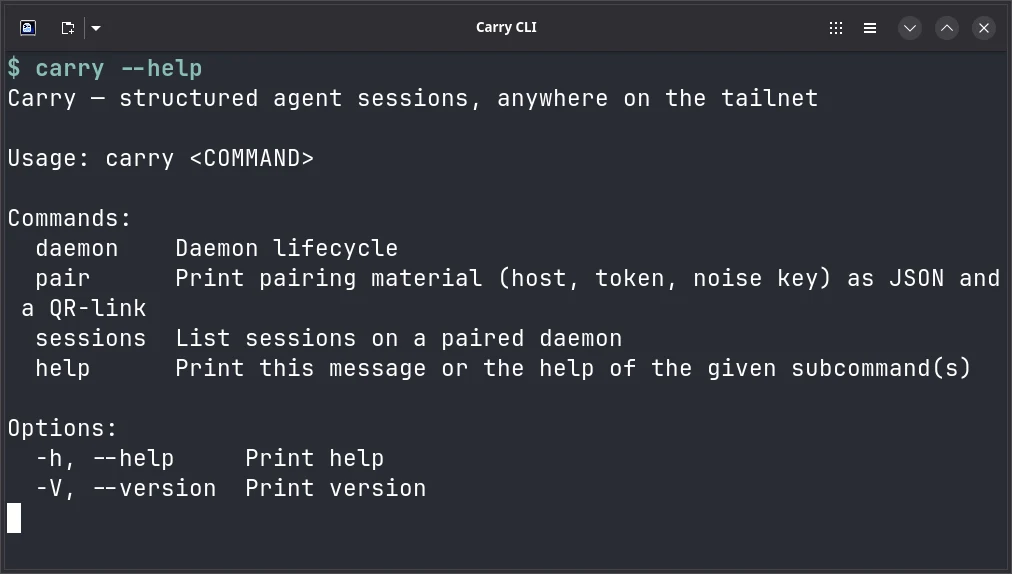
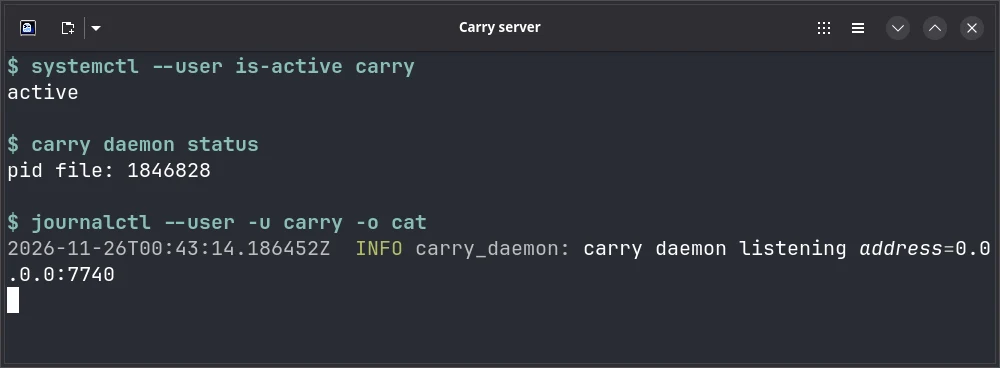
The carry binary runs the Rust daemon on the agent host and can list sessions on a paired host from another machine.
Connect to your host
- Install OMP or Factory Droid on the host, then run
carry daemon start. - On that host, run
carry pair. Paste the pairing JSON into the app. For the CLI, save it in a private file and pass it tocarry sessions --pairing /path/to/pairing.json. - Keep the host reachable over a private network such as Tailscale. Clients connect directly over a Noise-encrypted WebSocket; Carry does not provide a relay. Don’t expose the daemon port publicly or share the pairing JSON.
Carry is distributed privately; there is no public download.